How to digitize photo albums without removing the photos
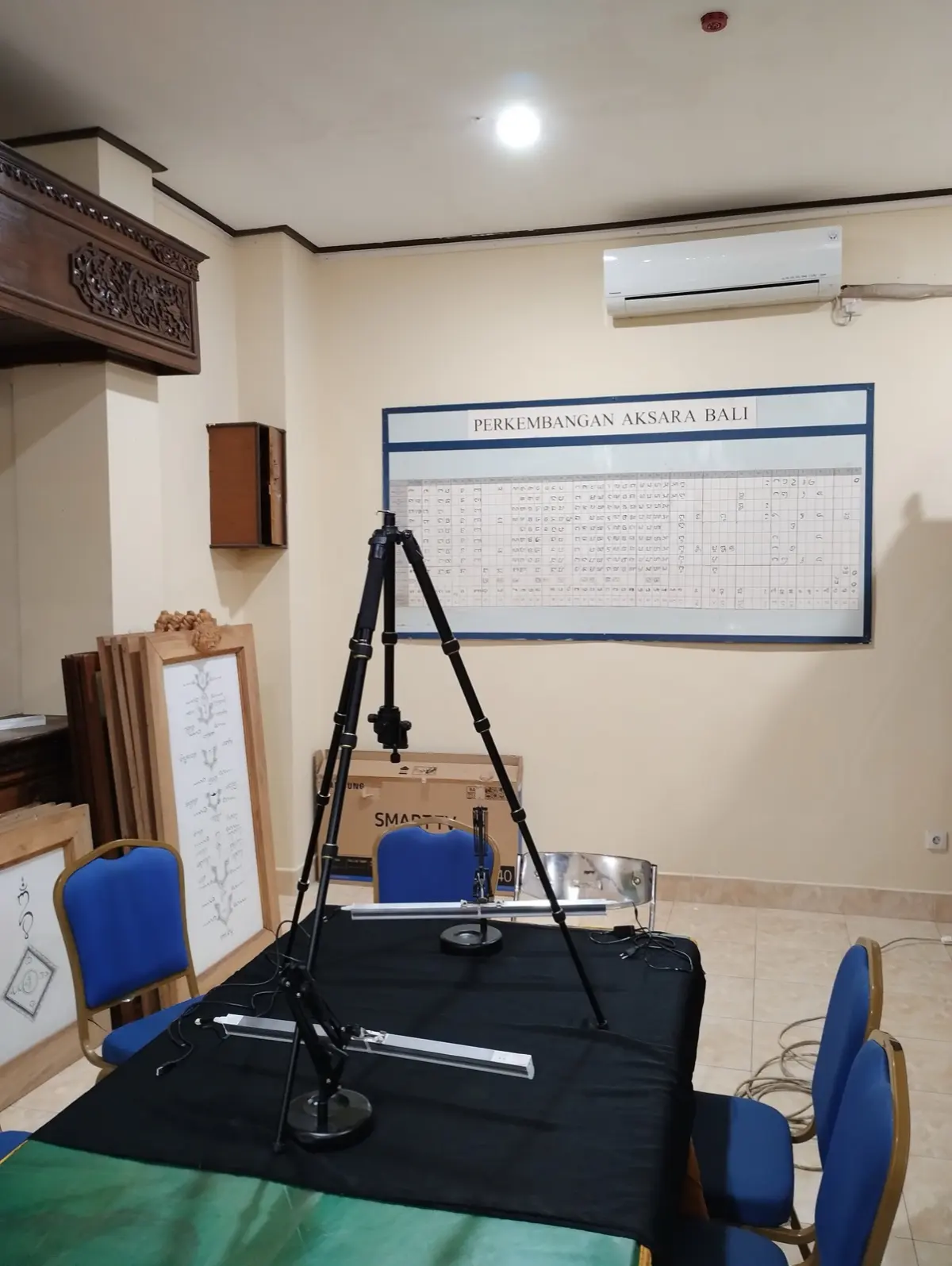
Photograph each page from above with a camera or phone on a copy stand, with one light on each side at about 45 degrees. The prints stay where they are and the captions are captured with them. The U.S. National Archives recommends a copy stand over a flatbed for bound volumes, because forcing a binding flat can damage it.
Equipment
Product links on this page go to Amazon.
| For | Product | Link |
|---|---|---|
| Holds the camera above the page | Tabletop copy stand A baseboard with a vertical column that holds a camera or phone pointing straight down. It lets you photograph album pages without removing the prints. | See it on Amazon |
| Even light without glare | Pair of LED panels with stands Two matching lights, one on each side of the copy stand at about 45 degrees. That angle lights the page evenly and sends glare away from the lens. | See it on Amazon |
| Dust removal | Giottos Rocket Air Blaster A hand-squeezed air blower. A puff of air before each scan removes loose dust without touching the surface. | See it on Amazon |
| Working drive | Samsung T7 portable SSD A pocket-sized solid-state drive. Use it as the working drive you scan to and organize on. | See it on Amazon |
| Second copy | WD Elements desktop hard drive A large, low-cost external hard drive. Use it as the second copy that stays in a drawer and gets updated after each scanning session. | See it on Amazon |
- Collection
- You have albums where the prints are glued down, the pages are brittle, or the handwritten captions matter as much as the photos, and you do not want to take them apart.
- Workspace
- A table about 3 x 4 feet, in a room you can darken
- Budget
- About $120 to $250, plus the camera or phone you own
Why photograph an album instead of scanning it?
The order of the pages, the captions in the margins and the way photos were grouped are part of the family record. Taking prints out risks tearing them and loses that context.
A camera on a copy stand photographs the whole page without touching the prints. You turn a page, press the shutter, and move on.
Setting up the copy stand
- Set the copy stand on the table and mount the camera or phone pointing straight down.
- Place one of the LED panels on each side, the same distance from the baseboard, both angled at about 45 degrees.
- Darken the room. Overhead lights and windows are the usual source of glare.
- Lay the album on the baseboard. Support the side that is not being photographed with a book so the spine is not strained.
- Raise or lower the camera until the page fills the frame with a small margin.
- Set focus and exposure once, then lock them so every page matches.
Use a remote release, a timer or a tethering app so you are not touching the camera for each frame.
Should I capture whole pages or single photos?
Shoot every page whole first. That is your record of the album as it was made. If a page holds small prints you care about, move the camera down and shoot those individually as a second pass.
Blow dust off each page with the blower before you shoot. Do not wipe old prints with a cloth.
How should I name and back up the files?
Name folders by album, and let the camera's sequence numbers keep page order. Copy each finished album to the working drive and then to the second drive before starting the next one.
When another method is better
If the prints lift out of the album easily and are in good condition, a feeder scanner is much faster. See the loose prints workflow. If you have one or two albums and no camera you trust, a scanning service that accepts whole albums is a reasonable purchase.
Questions readers ask
Can I use a phone on the copy stand?
Yes. A recent phone's main camera has enough resolution for a full album page viewed on screen. If you want to crop individual small prints out of each page and enlarge them, a camera with a larger sensor gives more usable detail.
Why not put the album on a flatbed scanner?
You can, if the album opens flat without stress on the spine and the page fits the glass. Many albums are larger than a letter-size flatbed, and pressing a thick album flat can crack old bindings.
How do I avoid glare from plastic page covers?
Put one light on each side at about 45 degrees to the page, at equal distance and brightness, and turn off the room lights. If glare remains, lower the lights so they skim the page at a shallower angle.
Sources
- Digitizing Family Papers and Photographs, U.S. National Archives
- Care, Handling and Storage of Photographs, Library of Congress