What resolution to scan photos at, and how to back them up
Scan prints at 600 dpi and save them as high-quality JPEG. A 4 x 6 print at 600 dpi is 2,400 by 3,600 pixels, enough to reprint at 8 x 12 inches. Then follow the 3-2-1 rule the U.S. National Archives recommends: three copies, on two kinds of storage, with one copy somewhere else.
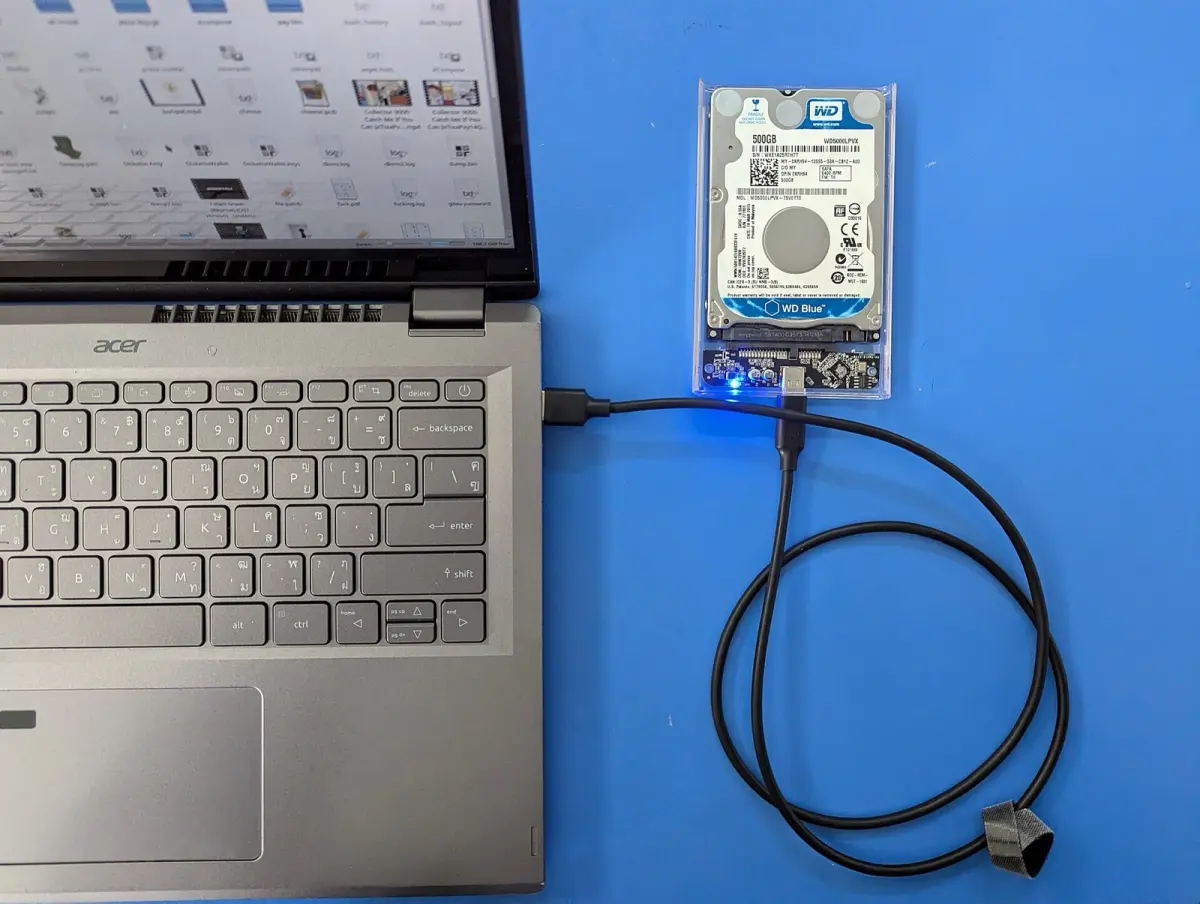
Equipment in this guide
Product links on this page go to Amazon.
| For | Product | Link |
|---|---|---|
| Scanners | Plustek OpticFilm 8200i A dedicated scanner for 35mm slides and negatives. It has an infrared channel that software uses to remove dust and scratches from color film. | See it on Amazon |
| Storage | Samsung T7 portable SSD A pocket-sized solid-state drive. Use it as the working drive you scan to and organize on. | See it on Amazon |
| Storage | WD Elements desktop hard drive A large, low-cost external hard drive. Use it as the second copy that stays in a drawer and gets updated after each scanning session. | See it on Amazon |
What dpi should I scan photos at?
For prints 4 x 6 inches and smaller, scan at 600 dpi. That gives enough pixels to crop or print at a larger size later. If you only expect to view photos on screens and the collection is huge, 300 dpi halves the scan time and is still fine for that use.
For 35mm film, the frame is about an inch and a half wide, so it needs far higher settings. Follow the scanner maker's guidance for its true optical resolution. A dedicated film scanner such as the Plustek OpticFilm 8200i is designed for this.
How many pixels does each setting give you?
Pixel dimensions are the print size in inches multiplied by the dpi. The last two columns are calculated from that: the largest reprint at 300 pixels per inch, and the size of the image before compression at 3 bytes per pixel.
| Original | Scan setting | Pixels | Megapixels | Largest reprint | Uncompressed size |
|---|---|---|---|---|---|
| 4 x 6 print | 300 dpi | 1,200 x 1,800 | 2.2 | 4 x 6 in | 6 MB |
| 4 x 6 print | 600 dpi | 2,400 x 3,600 | 8.6 | 8 x 12 in | 26 MB |
| 4 x 6 print | 1200 dpi | 4,800 x 7,200 | 34.6 | 16 x 24 in | 104 MB |
| 5 x 7 print | 600 dpi | 3,000 x 4,200 | 12.6 | 10 x 14 in | 38 MB |
| 8 x 10 print | 600 dpi | 4,800 x 6,000 | 28.8 | 16 x 20 in | 86 MB |
| 35mm frame (24 x 36 mm) | 3600 dpi | 3,402 x 5,102 | 17.4 | 11 x 17 in | 52 MB |
A JPEG of the same scan is several times smaller. A small print rarely holds enough detail to fill the 1200 dpi row, which is why 600 is the sensible ceiling for prints.
Should I save scans as JPEG or TIFF?
Use high-quality JPEG for everyday prints. Use TIFF for film, for damaged photos you plan to restore, and for the handful of images you consider irreplaceable.
Turn off automatic enhancement for your main copy if the software allows saving both versions. Corrections are a matter of taste and can be redone. A scan that was over-sharpened cannot be undone.
How should I name scanned photo files?
Photo software changes every few years and folder names do not, so use a scheme you can read without any program:
- One folder per physical container:
1985-box-grandma-kitchen,album-03-wedding. - Let the scanner number files inside each folder.
- Put the year first when you know it, so folders sort by time.
- Keep a plain text file in each folder with anything you know: who, where, who gave you the box.
How do I back up scanned photos?
Keep three copies, on two kinds of storage, with one copy away from home. The U.S. National Archives calls this the 3-2-1 rule.
- The working copy on a fast drive such as the Samsung T7 portable SSD.
- A second copy on a separate drive such as the WD Elements desktop hard drive, updated after every session.
- A third copy off site: a cloud backup service, or a drive at a relative's home that you swap a few times a year.
Scans without a second copy are one dropped drive away from being lost, and by then the originals may be back in the attic.
Keep the originals
Store prints in acid-free boxes and film in archival pages, somewhere dry and cool. The Library of Congress recommends 30 to 50 percent relative humidity at 70 degrees Fahrenheit or below, and advises against attics and basements.
Questions readers ask
Should I scan as JPEG or TIFF?
JPEG at high quality is a reasonable choice for most family prints and keeps files small. TIFF files are larger and lose nothing when edited repeatedly, which suits film scans and photos you plan to restore.
Do I need 1200 dpi for prints?
Rarely. A typical small print does not contain that much detail, so higher settings mostly produce bigger files. Save very high resolutions for film, where the original is tiny.
Sources
- Digitizing Family Papers and Photographs, U.S. National Archives
- Care, Handling and Storage of Photographs, Library of Congress
- Personal Digital Archiving, Library of Congress
- Technical Guidelines for Digitizing Cultural Heritage Materials, Federal Agencies Digital Guidelines Initiative